
Quick commerce ads agency for Blinkit, Zepto and Swiggy Instamart
If your products are live on Blinkit, Zepto or Swiggy Instamart, we run your ads there: search and category ads, banners and brand packages, planned city by city around where your stock actually is. Every campaign is judged on what you keep after the app's margin, not the return the dashboard shows.
By Akshit Seth · Last updated 26 October 2026
What does a quick commerce ads agency do?
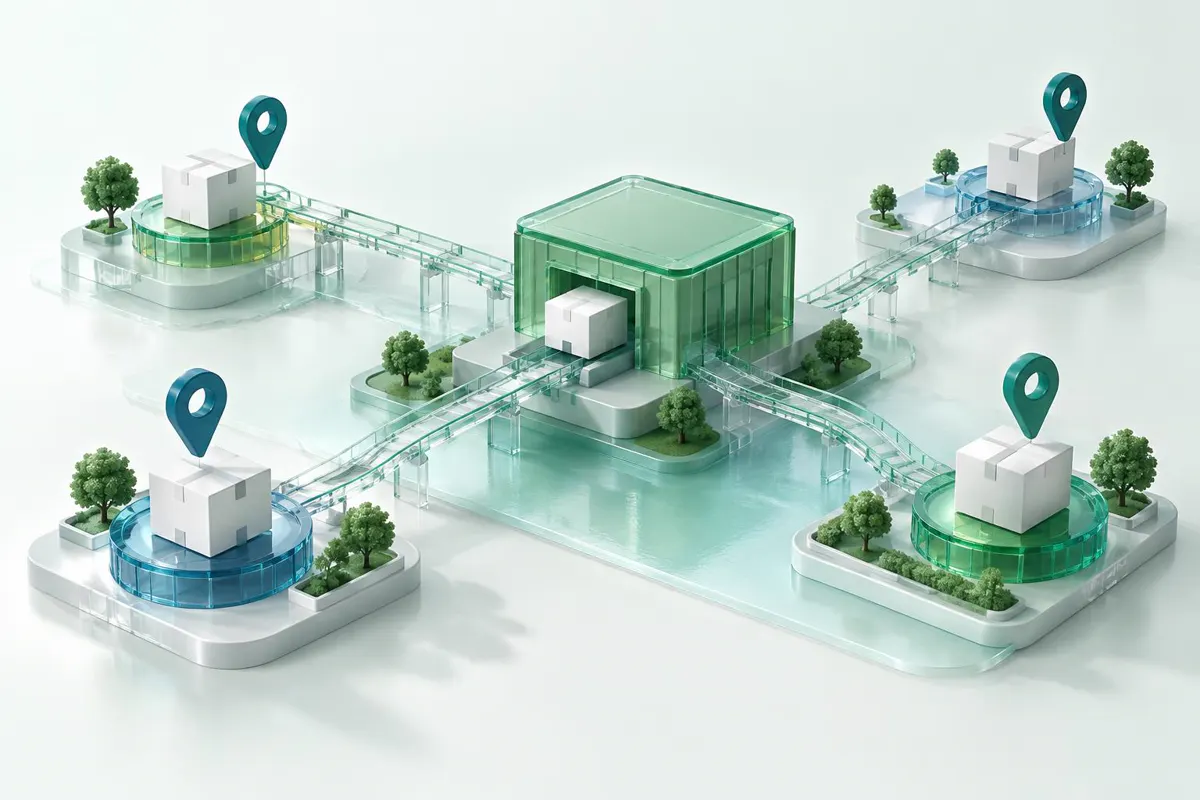
A quick commerce ads agency runs a brand's paid ads on apps like Blinkit, Zepto and Swiggy Instamart. It chooses keywords and categories, sets bids and budgets city by city around where stock sits in nearby dark stores, plans banners and brand packages, and reports the return after the app's margin.
Quick commerce ad formats we manage

Ad formats on Blinkit, Zepto and Swiggy Instamart
Blinkit
- Main ad formats
- Product Booster (sponsored products in search and category pages), Sponsored Brand Banners, Category Page Takeovers, Brand Stores and recommendation ads
- How they're bought
- Self-serve in Blinkit's ads platform, often called Brand Central, with some display placements arranged through Blinkit's ad team
- How you pay
- Per click for search ads; per thousand views or a fixed fee for banners
Zepto
- Main ad formats
- Sponsored products in search and category pages, homepage banners and carousels, Swap and Save ads in the cart, order-tracking screen ads and brand stores
- How they're bought
- Sponsored products through Zepto's brand portal or ads team, depending on your account; banners and packages mostly through Zepto's brand and category teams
- How you pay
- Per click for sponsored products; per thousand views, a fixed fee or a bundled package for banners
Swiggy Instamart
- Main ad formats
- Keyword ads, display ads, Item Boost (Browse Boost, Go-To-Items and Last-Minute Add-Ons), push notifications, search inline banners and speciality collections
- How they're bought
- Instamart Ads Manager, with creatives approved by Instamart's ad team; quarterly brand packs through its brand team
- How you pay
- Per thousand views or per click, depending on the format; packs have a fixed price
Sources: Globalwebsters (July 2026), Blooprint (September 2026), Till It Clicks (September 2026), Unicommerce (2026) and Paxcom (July 2026). Guides disagree on how Zepto ads are bought: Globalwebsters says Zepto has no self-serve portal, while Blooprint describes a brand portal. These apps change their ad products often, so we confirm what your account can buy during the audit.
What makes quick commerce ads different
Ads only run where your stock is
A Blinkit ad shows only to shoppers whose nearest dark store has your product in stock (Globalwebsters). Budget aimed at a city where you're out of stock buys nothing, so we check stock by city before we raise budgets, and hold back where you're running low.
The dashboard return isn't your return
Blooprint's September 2026 guide, using Ladya's April 2026 figures, puts the return Blinkit's dashboard reports at 3.5 to 5 times ad spend, but 1.2 to 2 times once the app's 12% to 20% commission and the cost of the goods come off. Globalwebsters warns that Zepto and Instamart dashboards may count sales at MRP rather than the price shoppers paid. We set targets on what you actually keep.
The top of search costs far more
Ladya's April 2026 figures, quoted by Blooprint, put Blinkit clicks at ₹12 to ₹25 at the top of search results, against ₹3 to ₹6 further down. We bid for the top slots only on searches where the extra cost pays back.
Festive weeks cost more
One D2C founder told Inc42 that quick commerce ad rates jump at least 40% to 50% in the festive season. We plan budgets city by city before Diwali and other peaks, and check them daily while they run.
Worked example: the return after margin
Say your Blinkit dashboard shows ₹40,000 of sales from ₹10,000 of ads: a ROAS of 4. If the app's commission is 15% (₹6,000) and your goods cost half the selling price (₹20,000), you keep ₹14,000 before ads. That's a return after margin of 1.4, not 4: ₹4,000 left after paying for the ads. This is why we set every target on what you keep.
Example figures. Your commission and costs will differ.


How we manage your quick commerce ads

1. Map your stock and cities
We start with the cities and dark stores where your products are reliably in stock, because that's where ads can work.
2. Set a return target after margin
We work out the return each product needs once the app's margin and your costs come off, and bid to that, not to the dashboard figure.
3. Build search and category campaigns
Branded and generic searches run in separate campaigns, with negative keywords where the app supports them, plus category ads for shoppers who browse.
4. Test banners and packages before you commit
Banners, takeovers and brand packs build reach, but they're harder to measure than search ads. We test them against a clear goal, such as a launch or new customers, before you sign up for a quarterly pack.
5. Report next to your marketplaces
You see Blinkit, Zepto and Instamart in the same report as Amazon and Flipkart, with spend, sales and the return after margin for each app, and by city where the app reports it.
Common quick commerce ads problems and how we fix them
Quick commerce ads problems, causes and fixes
High dashboard ROAS, no profit
- What's usually behind it
- The dashboard counts sales before commission and your costs, and some apps may count them at MRP
- What we do
- Targets set on the return after margin
Budget doesn't spend, or spends in the wrong cities
- What's usually behind it
- Ads run only where your stock is, and stock is thin where you need it
- What we do
- Budgets planned by city around your stock, and stock fixed before bids go up
Top-of-search clicks eat the budget
- What's usually behind it
- Top slots cost far more than lower ones
- What we do
- Bid for the top only on searches where the extra cost pays back
Banners and brand packs with nothing to show
- What's usually behind it
- Bought for reach without a clear goal
- What we do
- Test against a goal, such as a launch or new customers, before a quarterly pack
Festive weeks blow the budget
- What's usually behind it
- Ad rates jump in the festive season
- What we do
- City budgets planned before peak weeks and checked daily

What quick commerce ads cost

The apps don't publish rate cards, so these figures come from agency and tool guides. Your costs depend on your category, cities and the season.
Published quick commerce ad costs, 2026
Blinkit search clicks
- Figure
- ₹2 to ₹15 a click in most guides; ₹12 to ₹25 at the top of search
- Source
- Globalwebsters and Till It Clicks; Ladya, April 2026, via Blooprint
Zepto search clicks
- Figure
- ₹3 to ₹20 a click for search, ₹2 to ₹10 for category browsing
- Source
- Ladya, March 2026
Swiggy Instamart search clicks
- Figure
- ₹5 to ₹20 a click
- Source
- Ladya, April 2026, via Blooprint
Blinkit listing fee
- Figure
- ₹25,000 per product per state, returned as ad credits
- Source
- Globalwebsters
A first Blinkit test
- Figure
- ₹25,000 to ₹50,000 a month, on one or two products
- Source
- Unicommerce and Till It Clicks
Zepto entry package
- Figure
- ₹5 lakh to ₹6 lakh
- Source
- Globalwebsters
Swiggy Instamart brand pack
- Figure
- ₹8 lakh to ₹10 lakh a quarter
- Source
- Globalwebsters
GST
- Figure
- 18% on ad spend
- Source
- Blooprint
Ladya publishes the click-cost figures quoted above. The other sources are linked in the formats note above.
Our management fee is separate from your ad spend. See how our fees work.
Is quick commerce right for your brand?

Quick commerce ads suit everyday products that shoppers buy again and again (Till It Clicks). They work best when:
- You're live on Blinkit, Zepto or Swiggy Instamart, or about to be. We manage ads, not listings or distribution.
- Your products are in stock in the dark stores of the cities you want to reach.
- Your margin can carry the app's commission and the cost of ads.
- You want quick commerce reported next to your marketplace ads.
Who runs your quick commerce ads

You get a named specialist for your account, and you can message them on WhatsApp. We usually reply within 2 working hours. Meet the whole team on our About page.
Frequently asked questions about quick commerce ads
Can you run our ads on Blinkit, Zepto and Instamart together?
Yes. We manage each app's campaigns and report them side by side with your Amazon and Flipkart ads, so you can see where each rupee earns the most.
How much should we spend on Blinkit ads to start?
Guides from Unicommerce and Till It Clicks suggest ₹25,000 to ₹50,000 a month for a first test, starting with one or two products. Blinkit also charges a listing fee of ₹25,000 per product per state, which Globalwebsters says comes back as ad credits.
Why does our dashboard show a high ROAS when we aren't making money?
The dashboard counts ad sales before the app's commission and your costs, and some apps may count them at MRP. Blooprint estimates that the 3.5 to 5 times return Blinkit's dashboard shows falls to 1.2 to 2 times after commission and the cost of goods. We set your targets on what you keep.
Can we target specific cities?
Paxcom says Instamart offers city targeting, and Ladya describes city-level targeting on Zepto within dark-store coverage. On Blinkit, ads show only where your product is stocked in the nearby dark store, and reports break results down by city. We confirm the controls your account has during the audit.
Do you help us get listed on quick commerce apps?
No. We manage ads only, so you need to be live on the app first. Once you are, we plan your ads around the cities and dark stores where you're stocked.
Do you work on other quick commerce apps?
Our focus is Blinkit, Zepto and Swiggy Instamart. If you sell on another app, tell us in the form and we'll say honestly whether we can help.
Do quick commerce ads cost more in the festive season?
Usually. One D2C founder told Inc42 that ad rates jump at least 40% to 50%. We plan budgets before peak weeks and move spend to the cities and products that keep paying back.
Which quick commerce app should we advertise on first?
Usually the one where your products are stocked in the most dark stores in the cities you care about, and where your category already sells. We compare Blinkit, Zepto and Swiggy Instamart on stock coverage, click costs and margin during the audit.
How do you measure quick commerce ads?
By the return after margin: sales from ads, minus the app's commission and your cost of goods, divided by ad spend. We report it for each app, and by city where the app reports by city.
Get a free quick commerce ads audit
Tell us which apps and cities you're live in. We'll review your campaigns against your stock and margin, and send a written plan within 3 working days.
Related
Related guides
- What does a quick commerce ads agency do?
- Quick commerce ad formats we manage
- What makes quick commerce ads different
- Worked example: the return after margin
- How we manage your quick commerce ads
- Common quick commerce ads problems and how we fix them
- What quick commerce ads cost
- Is quick commerce right for your brand?
- Who runs your quick commerce ads
- Frequently asked questions about quick commerce ads
- Get a free quick commerce ads audit
- Related guides